How to Bypass Cloudflare Turnstile in 2026: Working Playwright & Stealth Guide
Step-by-step developer guide to solving Cloudflare Turnstile captchas and managed challenges in 2026 using session token passing and fingerprint rotation.
TL;DR: Modern dynamic web applications frequently employ client-side verification interstitials, multi-factor authentication steps, and single-page app (SPA) challenge states. Standard headless cloud scripts often freeze during these interactions. BrowserMesh provides a dual-layer approach: Autonomous High-Fidelity Execution via AutomationEngine on local hardware, plus Real-Time Interactive Canvas Solving at 30+ FPS when human confirmation is needed.
Understanding Modern Dynamic Web Interstitials
Modern web platforms implement client-side verification to ensure session security, manage traffic spikes, and protect user accounts:
- Invisible Verification: Validates the client environment in the background without user interaction.
- Transient Loading Interstitials: Displays brief processing screens during complex client-side state hydration.
- Interactive Challenges: Renders multi-factor confirmation prompts or interactive checkboxes when session parameters require explicit human validation.
For enterprise automation teams, handling these dynamic states gracefully is essential for end-to-end workflow success.
Why Basic Headless Scripts Struggle with Dynamic States
Standard cloud-hosted automation scripts frequently encounter issues when navigating dynamic single-page applications:
┌─────────────────────────────────────────────────────────────────────────┐
│              Key Challenges in Dynamic Web Automation                   │
├─────────────────────────────────────────────────────────────────────────┤
│ 1. Cloud Latency Drops: High-latency remote connections cause timeouts  │
│ 2. Non-Standard Runtime: Unconfigured headless parameters cause errors  │
│ 3. Missing Hardware GPU: Virtual servers lack native WebGL acceleration │
│ 4. Instantaneous Teleportation: Scripted actions lack natural cadence   │
└─────────────────────────────────────────────────────────────────────────┘
- Virtualized Environments: Cloud-hosted virtual machines lack physical graphics hardware, causing WebGL verification discrepancies.
- Timing & Hydration: Dynamic SPAs require natural timing delays during DOM rendering rather than rigid synchronous execution.
- Interactive Deadlocks: When an application presents an interactive multi-factor verification modal, fully automated scripts freeze without visual feedback.
The BrowserMesh Dual-Layer Execution Solution
BrowserMesh manages dynamic web applications using a coordinated dual-layer architecture:
                                Target Web Application
                                       │
                                       ▼
                     ┌───────────────────────────────────┐
                     │    Layer 1: AutomationEngine      │
                     │  (Standardized Runtime + Bezier)  │
                     └─────────────────┬─────────────────┘
                                       │
                     ┌─────────────────┴─────────────────┐
                     │                                   │
             Autonomous Flow?                    Interactive Required?
                     │                                   │
                     ▼ YES                               ▼ YES
           ┌───────────────────┐               ┌───────────────────────┐
           │ Automated Task    │               │ Real-Time Live Monitor│
           │ Continues Pipeline│               │ 30+ FPS Canvas Stream │
           └───────────────────┘               └───────────┬───────────┘
                                                           │
                                                           ▼
                                               ┌───────────────────────┐
                                               │ Human Completes Step  │
                                               │ (MFA / Verification)  │
                                               └───────────┬───────────┘
                                                           │
                                                           ▼
                                               ┌───────────────────────┐
                                               │ Engine Auto-Resumes   │
                                               │ Zero Progress Lost    │
                                               └───────────────────────┘
Layer 1: Autonomous High-Fidelity Execution
AutomationEngine standardizes the browser environment on your local hardware:
- Strips outdated automation flags and aligns parameters with consumer Chrome builds.
- Implements bio-realistic cubic Bezier mouse curves, realistic typing cadence, and inertial scrolling.
- Executes standard Playwright and Puppeteer workflows with native speed and accuracy.
Layer 2: Real-Time Interactive Canvas (30+ FPS Live Screencast)
When a target application requires interactive multi-factor confirmation or visual challenge solving:
- BrowserMesh streams the browser screen directly to your Studio dashboard at 30+ frames per second with ultra-low latency.
- An interactive challenge modal appears in your browser.
- You complete the required action directly on the live canvas using your mouse.
- BrowserMesh detects successful navigation and automatically resumes the automated workflow seamlessly.
Best Practices for Automating Modern Dynamic Web Apps
- Execute on Local Hardware: Running on local workstations or dedicated on-premise servers provides natural network conditions and native GPU acceleration.
- Utilize Persistent Sessions: Store verified session cookies in the local Persistent Session Vault to eliminate redundant logins.
- Pace User Actions: Introduce realistic millisecond delays between form submissions to allow dynamic single-page applications to hydrate state correctly.
- Follow Responsible Automation Standards: Adhere to published API limits, terms of service, and robots.txt conventions.
Platform Resources & Developer Links
- Download Local Node Apps: Official Download Center (
/download) - Engine Features: AutomationEngine Capabilities (
/features) - Explore 250+ Workflows: Browse Marketplace (
/marketplace) - Compare Pricing & Quotas: Transparent Pricing Plans (
/pricing) - Playwright SDK Guide: Building Custom Workflows (
/docs/playwright) - Mobile Node Guide: Android Automation Guide (
/docs/install-android) - Launch Web Studio: Open BrowserMesh Studio (Free Forever)
Table of Contents
5 sectionsRelated Articles

Playwright Stealth Setup for Large-Scale Scraping: Architecture & Best Practices (2026)
2026-06-15 · 16 min read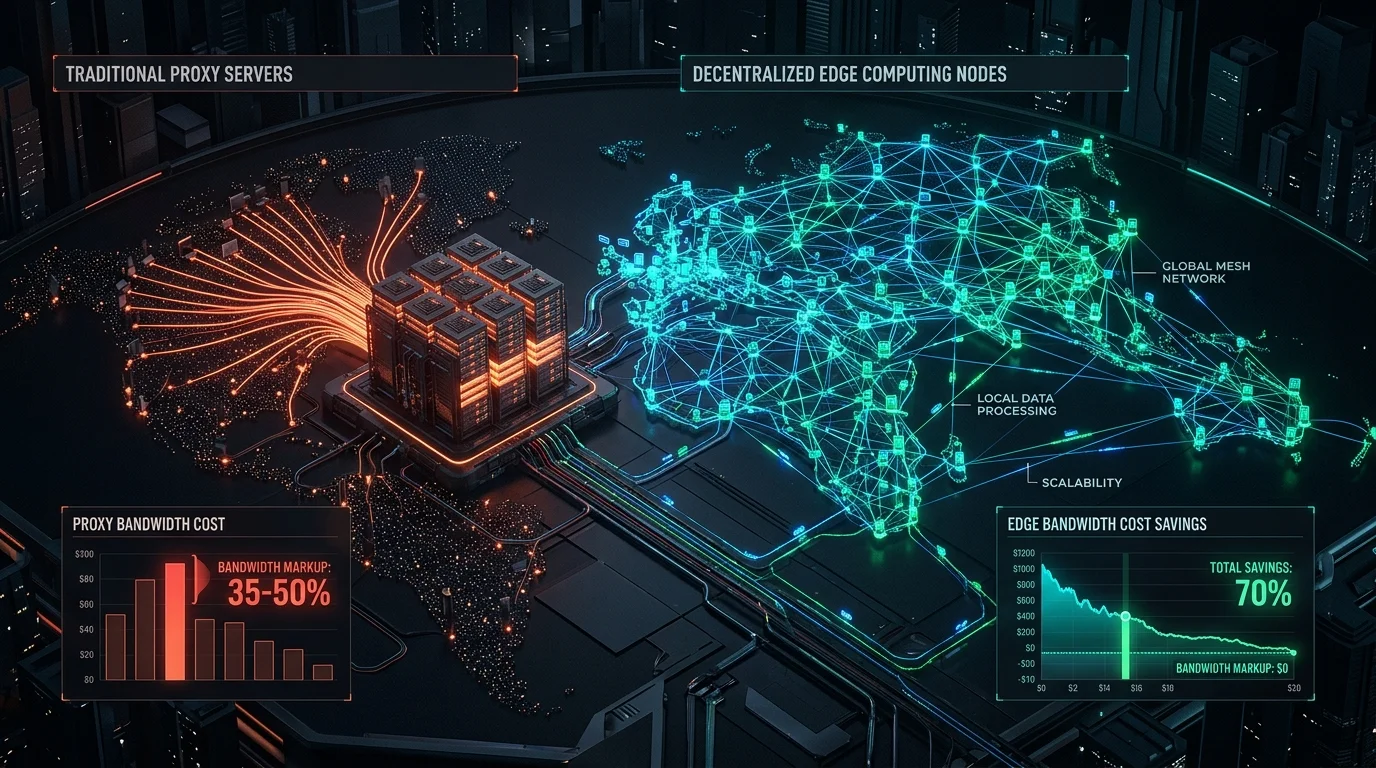
Decentralized Nodes vs Residential Proxies: The Complete Cost & Architecture Guide (2026)
2026-06-01 · 15 min read
DataDome & Kasada Anti-Bot Bypass in 2026: Complete Developer Guide
2026-05-15 · 15 min read
How to Bypass Aggressive Anti-Bot Protection in 2026: Complete DataDome, Kasada, Akamai & Cloudflare Guide
2026-03-05 · 14 min readPlatform Hub
Automate Without Limits
Join thousands of developers running browser automations on their own hardware.