Mobile Carrier Network Architecture: Why Mobile Nodes Provide High Network Trust
Discover how mobile carrier CGNAT networks and local hardware nodes provide high network trust and reliability for distributed browser automation.
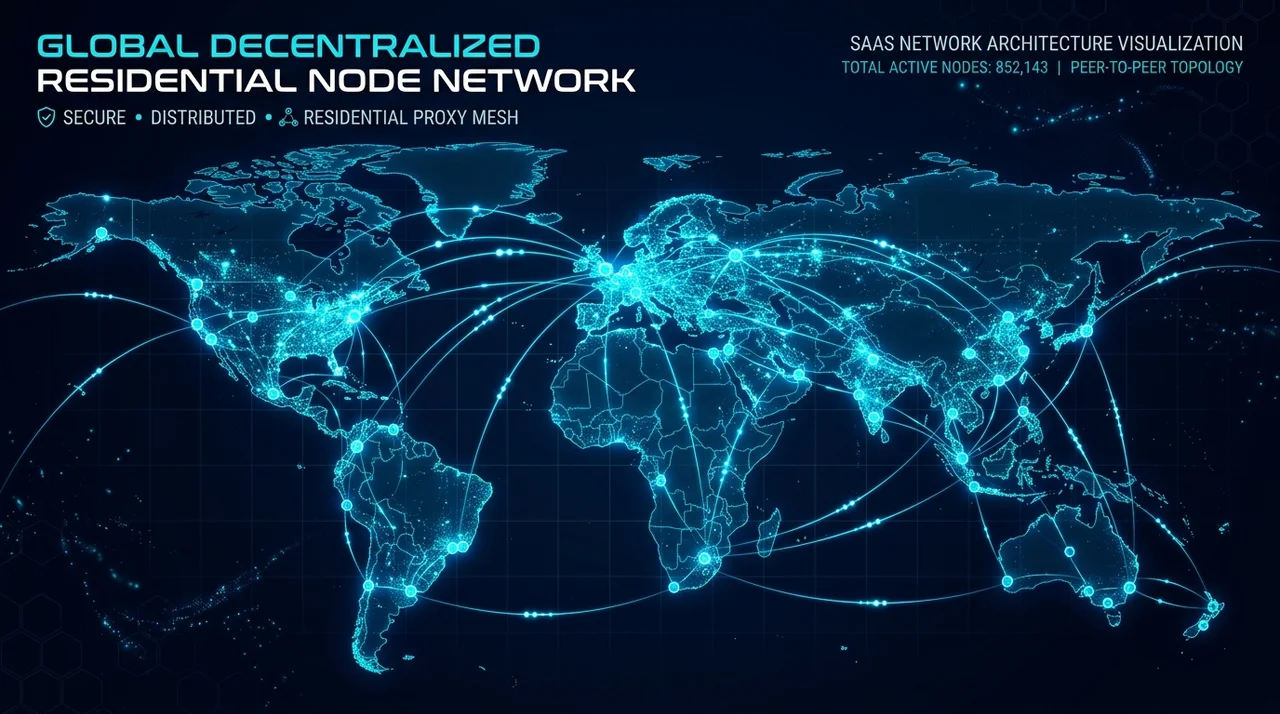
TL;DR: Modern web applications and mobile portals require realistic test environments. Real consumer network connections, 4G/5G mobile CGNAT nodes, and localized operating systems (Windows, Linux, Android) provide high network fidelity for distributed testing and workflow automation.
Understanding Mobile Carrier Network Infrastructure
In web automation and regression testing, executing workflows in realistic consumer network environments provides far higher test fidelity than executing inside synthetic cloud data centers:
- Cloud Data Center Networks (AWS, GCP, DigitalOcean): Rigid hosting subnets designed for server-to-server APIs.
- Consumer ISP Networks (Fiber / Broadband): High-trust consumer residential connectivity.
- Mobile Carrier Networks (4G LTE / 5G CGNAT): Authentic cellular network architecture shared by millions of mobile subscribers.
What is a Distributed Local Node Network?
Instead of relying on expensive cloud device farms that charge per-minute fees, BrowserMesh connects your own machines—Windows workstations, Linux servers, and Android smartphones—into a unified private automation cluster powered by AutomationEngine.
┌───────────────────────────────────────────────────────────┐
│         BROWSERMESH DISTRIBUTED NODE ARCHITECTURE         │
└───────────────────────────────────────────────────────────┘
   [ Windows 11 Desktop (Local Node)  ] ──┐
   [ Ubuntu / Debian Linux Server     ] ──┼──► [ Central Orchestrator ] ──► Target Application
   [ macOS Workstation                ] ──┤     (WebSocket Sync)             (Dynamic Web Apps)
   [ Android 4G/5G Mobile Node        ] ──┘
Under this architecture, automation workflows execute directly on local hardware using native browser environments and local network connections.
Cloud Device Grids vs BrowserMesh Local Nodes
Explore our transparent pricing tiers or check our catalog of 250+ pre-built workflows on the Marketplace.
How BrowserMesh Turns Any Machine into an Automation Node
BrowserMesh allows you to connect Windows, Linux, and Android devices directly to your private automation cluster.
1. Authentic Hardware & OS Environment
When running through a BrowserMesh node:
- Operating System: Genuine Windows 11, Linux (Ubuntu/Debian), or Android kernel environment.
- Canvas / WebGL Renderer: Real GPU shader outputs (NVIDIA, AMD, Intel, Apple Silicon, Qualcomm Adreno).
- TLS Parameters: Native browser cipher suites that match standard consumer browsers. Explore full details in our AutomationEngine Architecture Guide.
2. Zero Execution Markup
Workflows are dispatched across your distributed fleet of nodes with zero cloud execution markup.
Step-by-Step: Setting Up an Automation Node
Linux & macOS (1-Command Quickstart)
Download from the Official Download Center or run our automated installation script in your terminal:
curl -fsSL https://www.browsermesh.in/scripts/install-headless.sh | bash
(For complete setup details, view the Linux Installation Guide.)
Windows (PowerShell / Command Prompt)
Run the automated Windows installation command in PowerShell:
powershell -NoProfile -ExecutionPolicy Bypass -Command "iwr -useb https://www.browsermesh.in/scripts/install-headless.ps1 | iex"
Platform Resources & Developer Links
- Download Client Apps: Official Download Center (
/download) - Features Overview: AutomationEngine Capabilities (
/features) - Explore 250+ Workflows: Marketplace Catalog (
/marketplace) - Compare Pricing & Quotas: Transparent Pricing Plans (
/pricing) - Mobile Architecture Guide: CGNAT Mobile Testing (
/docs/cgnat-mobile) - Launch Web Studio: Open BrowserMesh Studio (Free Forever)
Table of Contents
6 sectionsRelated Articles

Playwright Stealth Setup for Large-Scale Scraping: Architecture & Best Practices (2026)
2026-06-15 · 16 min read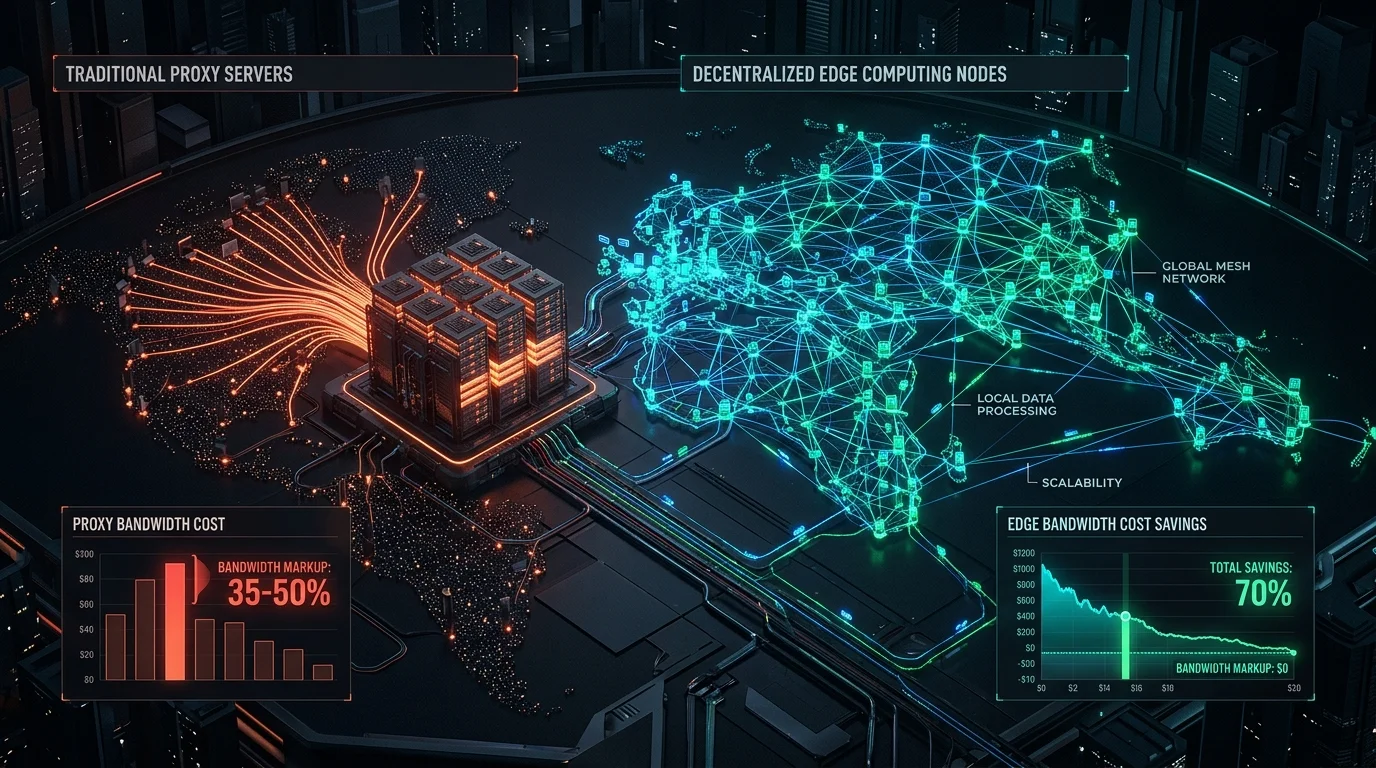
Decentralized Nodes vs Residential Proxies: The Complete Cost & Architecture Guide (2026)
2026-06-01 · 15 min read
DataDome & Kasada Anti-Bot Bypass in 2026: Complete Developer Guide
2026-05-15 · 15 min read
How to Bypass Aggressive Anti-Bot Protection in 2026: Complete DataDome, Kasada, Akamai & Cloudflare Guide
2026-03-05 · 14 min readPlatform Hub
Automate Without Limits
Join thousands of developers running browser automations on their own hardware.